
















Diagnose sodium alginate printing defects by separating paste preparation, screen or transfer behavior, fixation and wash-off. First compare the failed batch with an approved reference for viscosity, hydration, filtration, pH, additives and holding time; then change one variable at a time to avoid masking the real cause.
\n \nUse the table below for triage, then follow the symptom-specific checks in this guide. If the defect began with a new raw-material lot, retain paste and fabric samples and compare the supplier certificate with incoming QC data for textile-grade sodium alginate.
\n \nSodium Alginate Defect Triage Table
\n\n\n| Symptom | First checks | Escalate when |
|---|---|---|
| Bleeding or soft edges | Viscosity, fabric absorbency, screen pressure, paste solids | Reference paste prints correctly under the same conditions |
| Screen blockage or streaks | Hydration, filtration, insolubles, dried paste, mesh condition | Particles recur after controlled preparation and filtration |
| Low color yield | Dye and alkali addition, fixation, penetration, wash-off | Same recipe changes only with the alginate lot or grade |
| Viscosity drift | Water quality, mix order, rest time, temperature, holding time | Drift exceeds the approved time-window specification |
| Uneven shade | Paste homogeneity, squeegee or screen condition, fabric pretreatment | Defect follows the paste batch across machines or fabric rolls |
Color Bleeding and Soft Pattern Edges
Symptom
Likely Causes, in Order of Probability
- Paste viscosity too low at the point of printing — check viscosity at the printing floor temperature, not just at preparation; ambient heat can reduce working viscosity below the target
- Paste has degraded during storage — compare current viscosity against the batch’s initial preparation viscosity; a significant drop indicates degradation
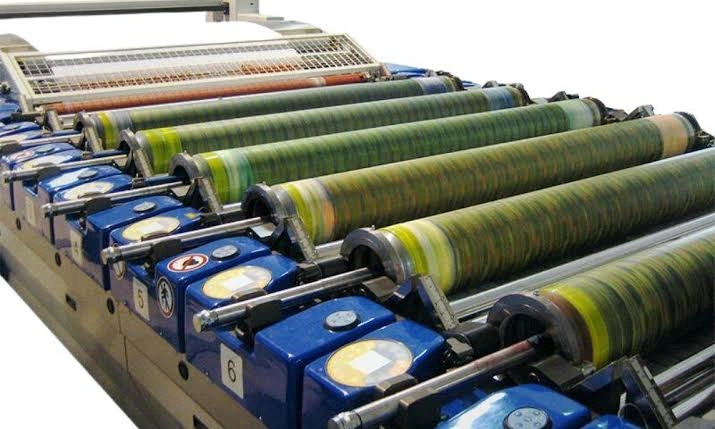
- Screen mesh count too coarse for the pattern fineness — fine-line patterns need both appropriate paste viscosity and adequately fine mesh; coarse mesh allows more paste through per stroke regardless of viscosity
- Excessive squeegee pressure — forces more paste through the screen than the pattern requires, increasing the chance of lateral spread
First Checks
Lower Color Depth Than Expected
Symptom
Printed color is visibly lighter than the target shade, despite using the standard dye concentration and recipe that normally achieves that depth.
Likely Causes, in Order of Probability
- Reduced dye fixation rate — alkali concentration below effective threshold, insufficient steaming time or temperature, or inadequate moisture retention during steaming (often linked to urea content or paste drying out before steaming)
- Paste degradation reducing effective dye availability — degraded or contaminated paste batches can show reduced color yield even at correct dye concentration
- Thickener competing with dye — if a non-alginate thickener or blend is in use, some thickeners can react with reactive dye under alkaline conditions, consuming dye that would otherwise fix to the fiber
- Steam saturation problems — unsaturated or superheated steam dries the paste film rather than maintaining the moisture needed for fixation
First Checks
Confirm steaming conditions (temperature, time, steam saturation) are within specification first, since this is the most common root cause. If steaming is confirmed correct, switch to a fresh paste batch and compare color yield — improvement indicates a paste-related cause. For more detail, see our guide on reactive dye fixation.
Color Depth Variation Within a Production Run
Symptom
Early prints in a run show different color depth than later prints, or color depth drifts gradually over the course of the run, even though the paste was correctly prepared at the start.
Likely Causes, in Order of Probability
- Viscosity drift during the run — caused by temperature change, mechanical shear in continuous mixing systems, alkali-driven degradation over time, or evaporation in open paste systems
- Paste preparation inconsistency between batches — if multiple batches are used across a long run, batch-to-batch viscosity variation will show up as depth variation between batches
First Checks
Measure paste viscosity at intervals throughout the run — preparation, mid-run, end-of-run — to establish whether and how quickly viscosity is changing. For more detail, see our guide on viscosity stability.
Color Depth Variation Across the Fabric Width
Symptom
Within a single print, color depth varies from one edge of the fabric to the other, or shows a pattern such as darker edges with a lighter center (or the reverse), rather than variation over time.
Likely Causes, in Order of Probability
- Uneven paste application — uneven squeegee pressure across the screen width, or screen tension variation
- Paste viscosity inconsistency within the batch — incomplete dissolution or component separation in the paste trough
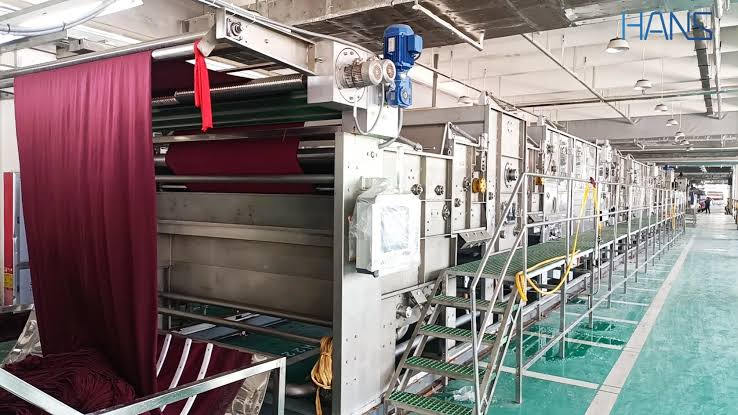
- Uneven steam distribution in the steamer — affects fixation uniformity across the fabric width independent of paste application
First Checks
Sample paste viscosity from multiple positions in the paste trough (front, middle, back) to confirm batch homogeneity. If the paste is uniform, the cause is likely mechanical (squeegee, screen) or related to steamer distribution rather than the paste itself.
Screen Blockage or Clogging
Symptom
Paste fails to transfer cleanly through sections of the screen mesh, producing gaps or incomplete coverage in the pattern; screen requires more frequent cleaning than usual to maintain print quality.
Likely Causes, in Order of Probability
- Undissolved particles in the paste — incomplete dissolution during preparation, or a sodium alginate grade with higher insoluble matter content than your screen mesh tolerance allows
- Paste drying on the mesh surface — print speed too slow for the paste viscosity in use, or low ambient humidity causing rapid surface drying
- Inadequate screen cleaning between runs — residual dried paste from a previous run partially blocking mesh openings
First Checks
Filter a sample of the prepared paste through a fine mesh and check for retained particles — this isolates dissolution-related causes. If the paste filters clean, check print speed relative to paste viscosity, and confirm screen cleaning procedure between runs. For more detail, see our guides on paste preparation dan mesh size selection.
Lumps or Visible Particles in Prepared Paste
Symptom
Prepared paste contains visible lumps or grainy particles that do not dissolve with continued stirring.
Likely Causes, in Order of Probability
- Powder added too quickly during preparation — causing surface hydration and clumping before particles fully disperse
- Insufficient mixing time — particularly relevant for coarser mesh grades or cold water dissolution
- Hard water interfering with dissolution — high calcium or magnesium content can cause partial crosslinking and gel particle formation
First Checks
Review your powder addition rate and total mixing time against your standard procedure. If lumps persist with correct procedure, test water hardness. For more detail, see our guide on paste preparation.
Lower Wash Fastness Than Buyer Specification
Symptom
Printed fabric meets visual color quality but fails wash fastness testing against buyer-specified standards (e.g., ISO 105-C06 or AATCC equivalent), showing excessive color loss or staining of adjacent fabric during the wash test.
Likely Causes, in Order of Probability
- Incomplete washing-off after steaming — unfixed and hydrolyzed dye remaining on the fabric surface is the most common cause of poor wash fastness despite acceptable initial color appearance
- Low fixation rate — even with thorough washing-off, if fixation rate is fundamentally low, the wash test will reveal it even if it wasn’t visually apparent before washing
- Residual thickener trapping unfixed dye — incomplete paste removal can hold unfixed dye near the fiber surface, where it releases during the buyer’s wash test
First Checks
Review washing-off conditions (temperature, time, soaping agent concentration) against your standard procedure first, since this is the most frequent and most correctable cause. If washing-off is confirmed adequate, investigate fixation rate. For more detail, see our guides on color fastness dan reactive dye fixation.
Pengentalan atau Pembentukan Gel pada Pasta Selama Penyimpanan
Symptom
Prepared paste becomes noticeably thicker, or partially gels, during storage rather than maintaining or losing viscosity.
Likely Causes, in Order of Probability
- Calcium or other divalent ion contamination — from water hardness, equipment residue, or cross-contamination from another chemical in the preparation area
- Cold storage temperature — partial gelling can occur if paste is exposed to very cold temperatures, particularly with lower DS grades
First Checks
Test water hardness used in preparation, and confirm storage containers and mixing equipment are clean and free of residue from other chemicals. If paste was refrigerated, allow it to return to room temperature gradually before assessing.
Off-Odor or Visible Microbial Growth in Stored Paste
Symptom
Paste develops a sour, musty, or fermented smell during storage, sometimes accompanied by visible color change or surface film.
Likely Causes
- Microbial degradation — almost always the cause when off-odor is present; more likely in warm or humid storage conditions, extended storage time, or contaminated storage containers
First Checks
Discard the affected batch — do not use paste showing off-odor in production. Review storage temperature, container cleanliness, and whether your batch size and shelf life practices are appropriate for your climate. For more detail, see our guide on storage conditions and shelf life.
Using This Guide
Print defects often have more than one plausible cause, and the fastest path to resolution is usually checking the most probable cause first rather than changing multiple variables at once. When troubleshooting, change one variable at a time and document the result — this builds a more reliable picture of your specific production conditions than guessing based on general principles alone.
\nPertanyaan yang Sering Diajukan
\n\n\nWhat should be checked first when reactive prints start bleeding?
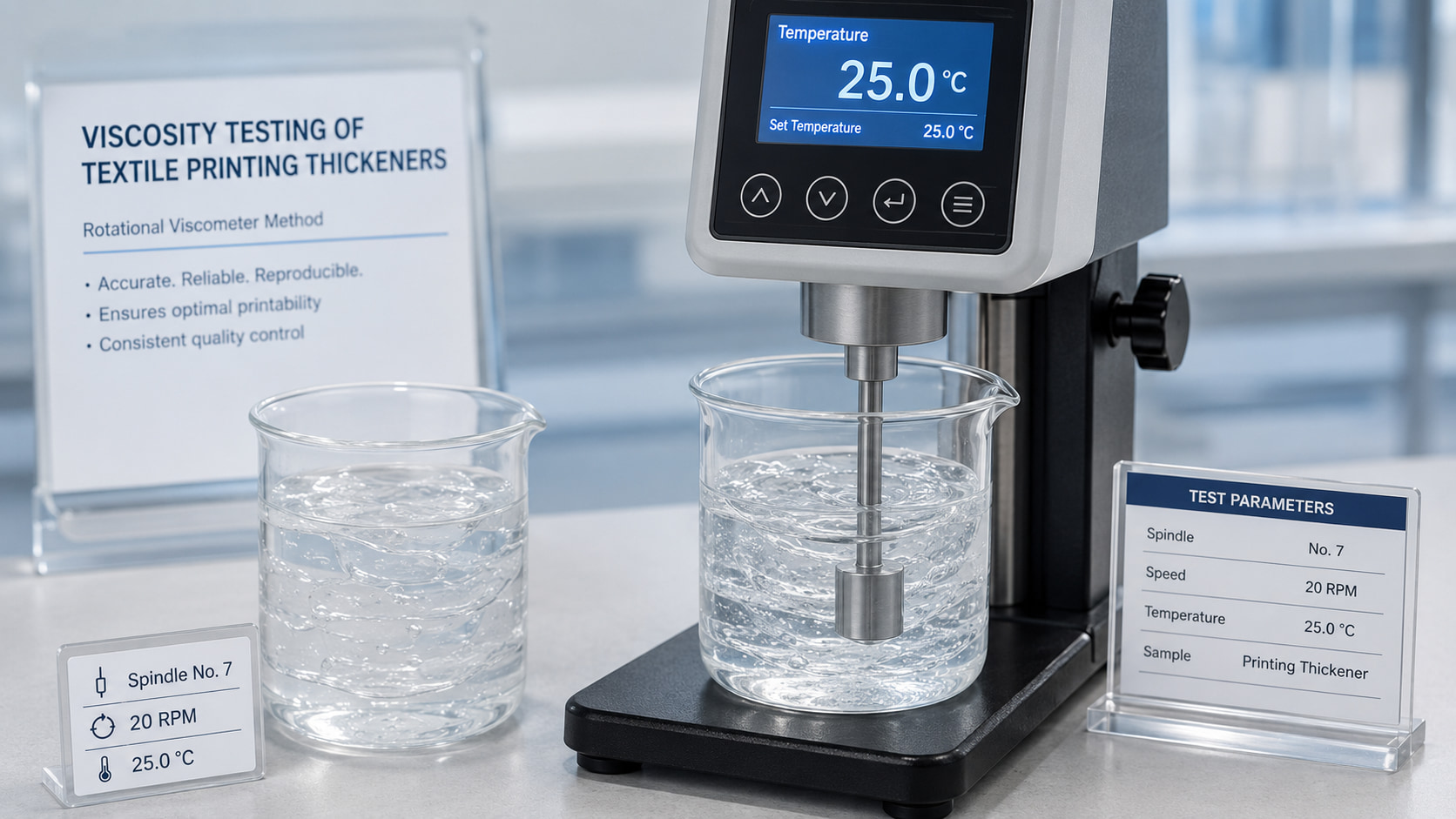
\nCompare viscosity and paste solids with the approved reference, then check fabric absorbency, screen or squeegee settings and whether the paste exceeded its qualified holding time.
\nWhy does sodium alginate paste block a screen?
\nCommon causes include incomplete hydration, agglomerates, insoluble contamination, inadequate filtration or dried paste at the screen. Confirm preparation and filtration before blaming viscosity alone.
\nCan low color yield be caused by the thickener?
\nIt can contribute through penetration, rheology or impurities, but dye concentration, alkali, fixation and wash-off must be checked in parallel. Run a controlled reference-paste comparison.
\nHow can a mill investigate viscosity drift?
\nRecord viscosity with one method at defined intervals and temperature, while controlling water quality, mix order, hydration, additives and storage conditions.
\nWhen should a supplier sample be requested?
\nRequest a retained or replacement sample when the defect correlates with a new lot or grade and continues after machine, fabric and preparation variables have been controlled. Use Sampel & Pencocokan Grade for a side-by-side trial.
\nHow FSX Chemical Supports Your Troubleshooting Process
Langkah selanjutnya:
- Ajukan Permohonan TDS — confirm the specification of the grade currently in use against your formulation requirements
- Ajukan Permohonan CoA — verify your current batch matches its stated specification before ruling out raw material as a cause
- Minta Sampel — trial an alternative grade if troubleshooting points to a specification mismatch
- Hubungi Tim Teknis Kami — for hands-on troubleshooting support with your specific defect and process conditions 📧 Email: Service@fsxchemical.com